How to Pay Checkpost Tax Online: Step-by-Step Guide
Paying checkpost tax online can save time, reduce paperwork, and help you keep proof of payment ready during an interstate journey. The exact tax name, rate, and portal depend on the state or transport authority, but the overall process is similar.
What is checkpost tax?
Checkpost tax is a state or regional road tax that may apply when a commercial or private vehicle enters or travels through another jurisdiction. It may appear as border tax, entry tax, permit tax, or a similar transport charge. Always check the current requirements for your vehicle type and route before you travel.
Documents and details you may need
- Vehicle registration number and registration certificate details
- Owner, operator, or company information
- Vehicle class, weight, seating capacity, and fuel type, where required
- Driver and route details, including entry and exit dates
- Permit, fitness certificate, insurance, and pollution certificate details, if requested
- A valid mobile number or email address for alerts and the receipt
How to pay checkpost tax online
https://parivahan.gov.in/en/node/579
- Open the official transport or tax portal. Use the website of the relevant state transport department, road tax authority, or government service portal. For India-related vehicle tax services, start with the official Parivahan payment information page. Avoid unofficial links and verify that the web address is correct.
- Choose the checkpost, border tax, or vehicle tax service. Select the service that matches your journey. Some portals ask whether you are paying for a private vehicle, goods vehicle, passenger vehicle, or a temporary permit.
- Enter vehicle and travel information. Provide the registration number, vehicle category, owner details, route, entry date, exit date, and any other required information. Check every field before continuing.
- Review the tax calculation. Confirm the state, checkpost, duration, vehicle class, and amount shown by the portal. If the amount looks incorrect, stop and recheck the details or contact the authority.
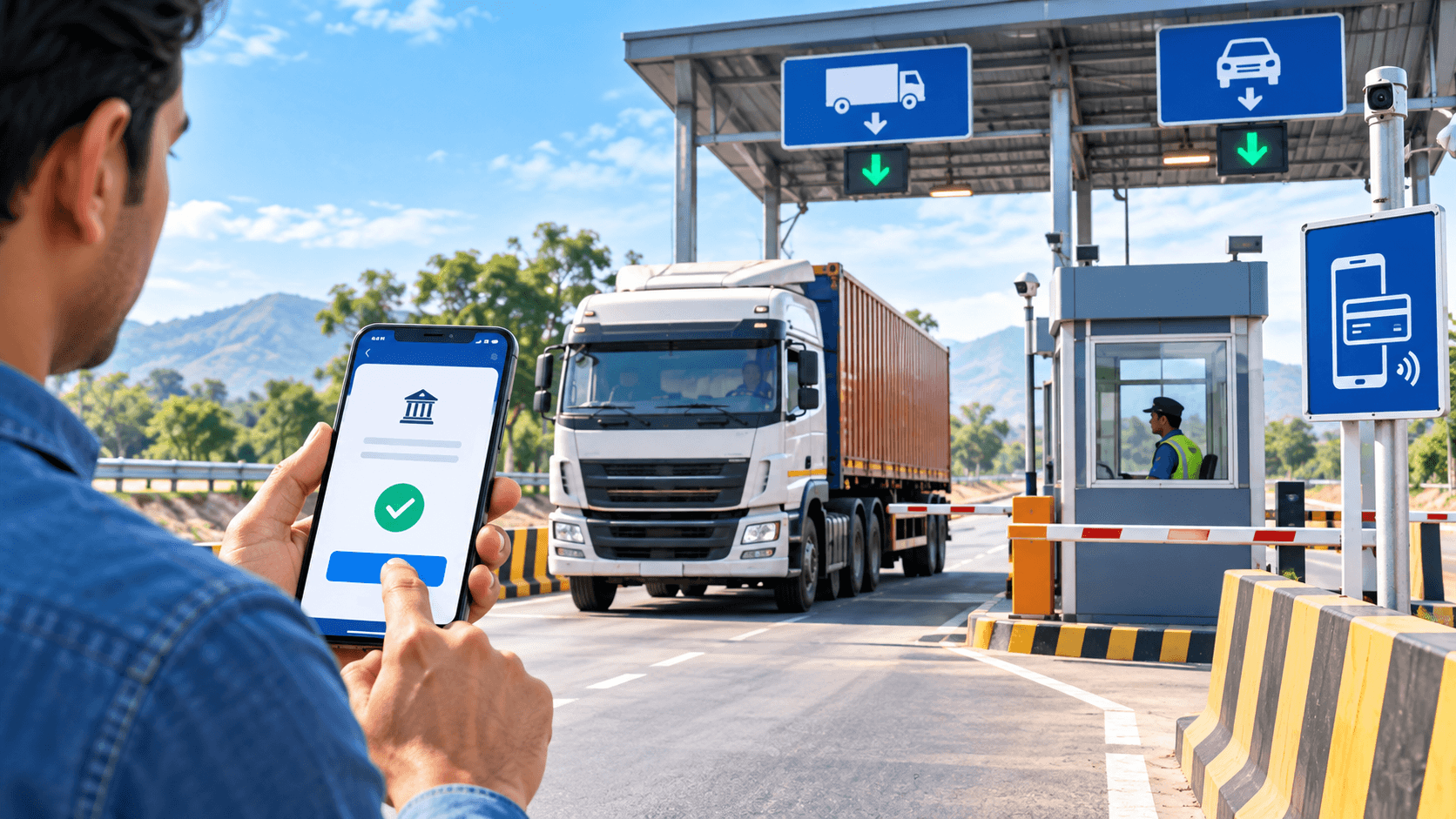
- Complete the payment. Use an available method such as UPI, debit card, credit card, or net banking. Do not share your PIN, OTP, or password with anyone.
- Download the receipt or permit. Save the acknowledgement number, transaction ID, and PDF receipt. Keep a digital copy on your phone and, when required, a printed copy in the vehicle.
- Verify the payment status. Use the portal’s payment-status or receipt-verification option if available. A successful bank debit alone is not enough if the portal still shows pending.
What to do if payment fails
First, wait for the portal or bank status to update and do not make repeated payments immediately. Check the transaction history using the acknowledgement number. If the amount was debited but the receipt was not generated, contact the portal’s support team or the relevant transport authority with the transaction ID and payment date.
Tips to avoid delays at the checkpost
- Pay before starting the journey whenever the portal allows advance payment.
- Use only official government websites and secure payment pages.
- Match the vehicle number and travel dates with your documents.
- Keep the receipt accessible offline in case mobile internet is unavailable.
- Check whether a separate permit, challan, toll, or local fee is required.
- Review the latest rules because tax rates and portal procedures can change.
Frequently asked questions
Can I pay checkpost tax at the border?
Some jurisdictions provide an on-site payment option, but online payment is usually more convenient when available. Check the relevant authority’s current instructions before travelling.
Is a payment receipt compulsory?
Keep the receipt or acknowledgement available. Enforcement staff may ask for proof of payment, and it can also help resolve a payment-status dispute.
Does online payment replace a vehicle permit?
Not always. Tax payment and permit compliance can be separate requirements. Confirm both for your vehicle category and route.
Final checklist
Before leaving, confirm that the payment status is successful, the receipt shows the correct vehicle and dates, and all required permits and documents are available. Because checkpost tax rules differ by state and vehicle type, use the current official guidance for the route you are taking.


Leave a Comment